 RootRecord
Software that respects your data, your time, and your work.
RootRecord builds apps for the devices you actually use — from the shop PC to the phone in your pocket. Subscription, sync, and backup are there when you want them.
Prerelease & product email
Create an account for prerelease and newsletter emails
Hear about early builds, release notes, and what we ship next — all sent to the address on your RootRecord account.
Your data, your devices
Operational data lives where you run the app unless you move it or turn on sync and online features.
Totals you can defend
Overlapping clock intervals merge for unique coverage — no double-counted minutes in reports and exports.
Sync when you want it
Subscription, sync, and secure online backup are available when you want them — use as much or as little as fits your workflow.
Practical tools, carefully made.
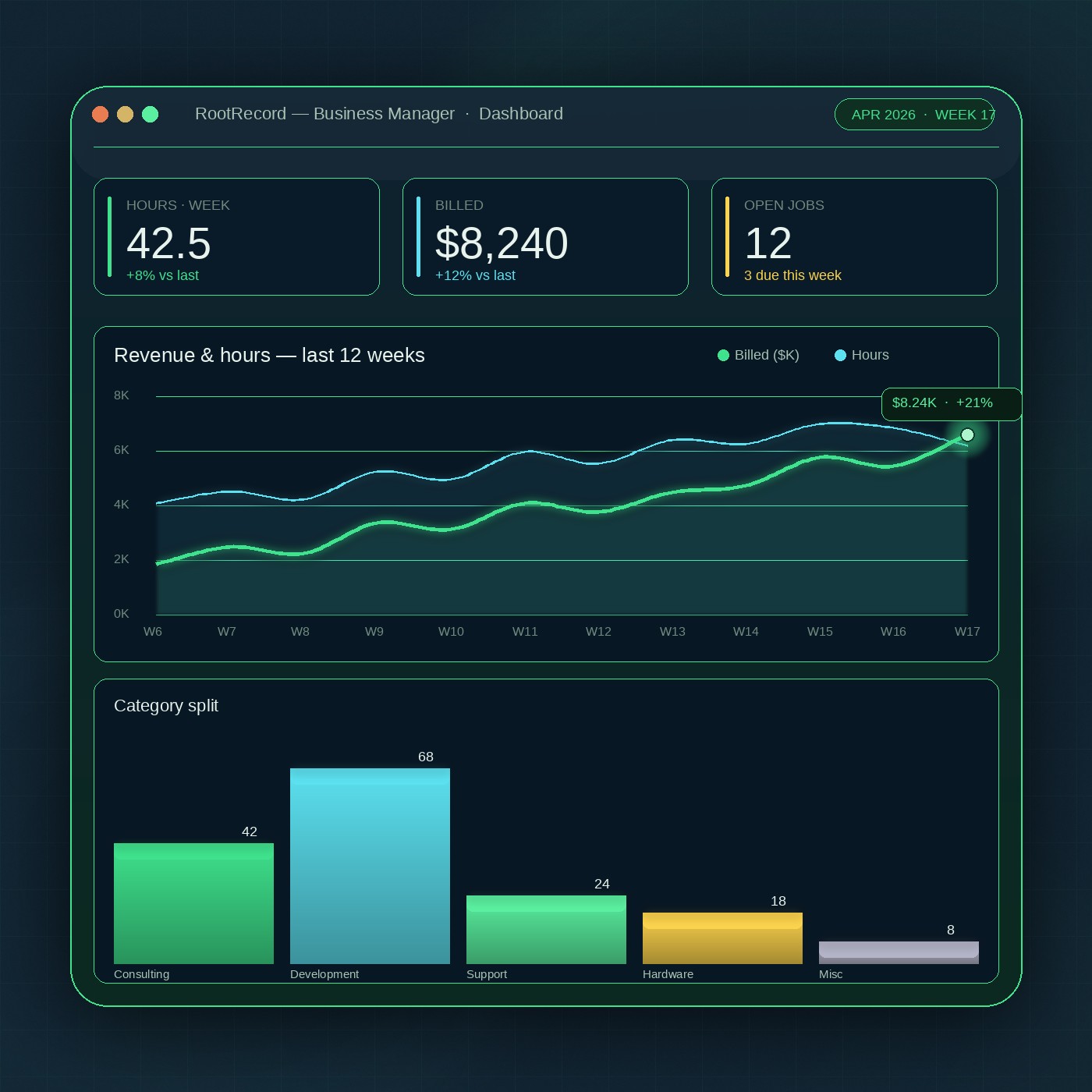
Business Manager on Windows today; Weather Manager on Windows and Android. Each solves a real problem end-to-end — clear, capable software without the usual SaaS sprawl.
-
For operators · Windows
RootRecord Business Manager
Time, money, clients, inventory, scheduling, work log, and reports in one workspace on your PC.
View product page -
For awareness · Multi-device
Root Record Weather Manager
Weather, alerts, earthquakes, and hazard context for the places you care about — on the devices you carry and the screens at your desk, without juggling browser tabs.
View product page
Why people choose RootRecord.
On your devices
Your primary business database is a file where you run Business Manager. Back it up like any other important file — or let the app run scheduled backups.
Works in the real world
Day-to-day work is not blocked when the network is spotty. Sign-in, sync, and cloud backup layer on when you enable them.
Honest totals
Hours worked, categories, exports — numbers reconcile by design. No surprises when it's time for reports and invoices.
Subscription & online
Subscription, sync, and secure online backup when you want them. One account across RootRecord apps where supported.
Regular updates
Installers and APKs ship on GitHub Releases per product. Each build is noted so you always know what's running.
Lifetime option
One payment for ongoing access to current and future RootRecord programs — so the tool grows with your work.
Start with the program that matches your work.
Browse products, review pricing, or jump straight to your account to manage a subscription. Questions? The FAQ has straight answers.